
Dock flickering In Gnome

I'm using Pop!_OS on my current machine, and have the Gnome desktop enabled.

I'm always on the lookout for good tweaks and one that I like is Dash To Dock that turns the standard Dashboard along the left hand side of the screen into a dock, similar to on MacOS. I really like this extension as it fits my workflow better to have a dock on my screen that automatically hides when a window covers it. You can add your favourite applications to it and also add the application launcher.
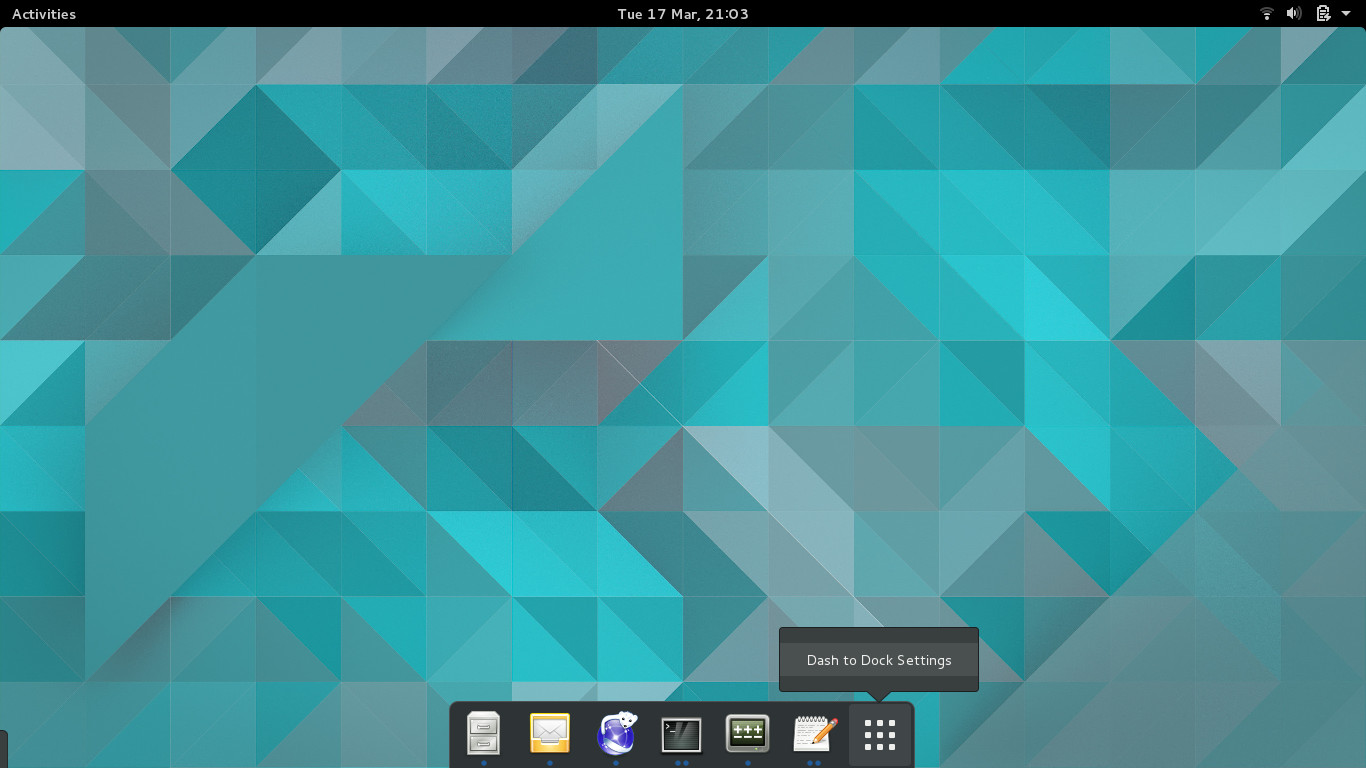
Dash To Dock

I'm currently running Gnome version 3.38.3 and there's a small bug that makes the application launcher flicker when its opened.

Fortunately, there is a simple fix described here.

On my machine, this meant editing the ~\.local/share/gnome-shell/extensions/dash-to-dock@micxgx.gmail.com/docking.js file and editing the if (animate) { clause at line 1896 to read:

if (animate) { Main.overview.viewSelector._activePage = Main.overview.viewSelector._appsPage; Meta.later_add(Meta.LaterType.BEFORE_REDRAW, () => { grid.opacity = 255; grid.animateSpring(IconGrid.AnimationDirection.IN, this.mainDock.dash.showAppsButton); }); } Until the fix is officially merged into the extension, this is a small workaround, but works perfectly.

Credits

Photo by Craig McLachlan on Unsplash

Comments

Popular posts from this blog

A Simple Makefile for a GTK/GTKMM Project

When compiling small applications, its fairly easy just to compile using g++ from the command line. If you’re compiling anything more complex than a single file, its probably easier to use a Makefile. This example Makefile demonstrates how to compile an application that uses the GTKMM library. NAME=my-app CFLAGS=-g -Wall -o $(NAME) GTKFLAGS=`pkg-config --cflags --libs gtkmm-3.0` SRCS=main.cc myapp.cc CC=g++ # Do all all: main # Compile main: $(SRCS) $(CC) $(CFLAGS) $(SRCS) $(GTKFLAGS) # Clean clean: rm -f $(NAME) rm -f *.h~ rm -f *.cc~ rm -f Makefile~ rm -f *.glade~

Changing Default Search Provider in Firefox on Linux Mint

On Linux Mint, the default version of Firefox is installed and configured to allow the following search engines to be queried directly from the address bar: Yahoo! Startpage DuckDuckGo Wikipedia Mint defines these as the default available set of search engines based upon 3 criteria (funding to Linux Mint, privacy support and whether the search engine is non-commercial). Other search engines such as Google, Bing or Twitter, etc. can easily be added into the default version of Firefox however. To add a different search provider, browse to Search Engines At the bottom of the page, click on the icon of the requested search engine, then click on the ... button in the URL bar and select the Add Search Engine option. You then have the option to change the default search engine within Firefox preferences to your new choice.

Eclipse releases Ganymede

The Eclipse Foundation has  released  Ganymede, the latest annual release this time containing 23 Eclipse projects including the Eclipse IDE version 3.4. This latest version of the annual Eclipse release contains many new features including: Equinox P2  - a system to make installations and updated to Eclipse easier JSDT  - A new JavaScript editor Improved JavaScript support for the Business Intelligence and Reporting Tools,  BIRT Graphical database query tools Improved support for Java EE 5 SOA support and many other features. Further information, inclusing webinars and demos can be found on the  project website  . This new release can be downloaded from the  Eclipse web site  .